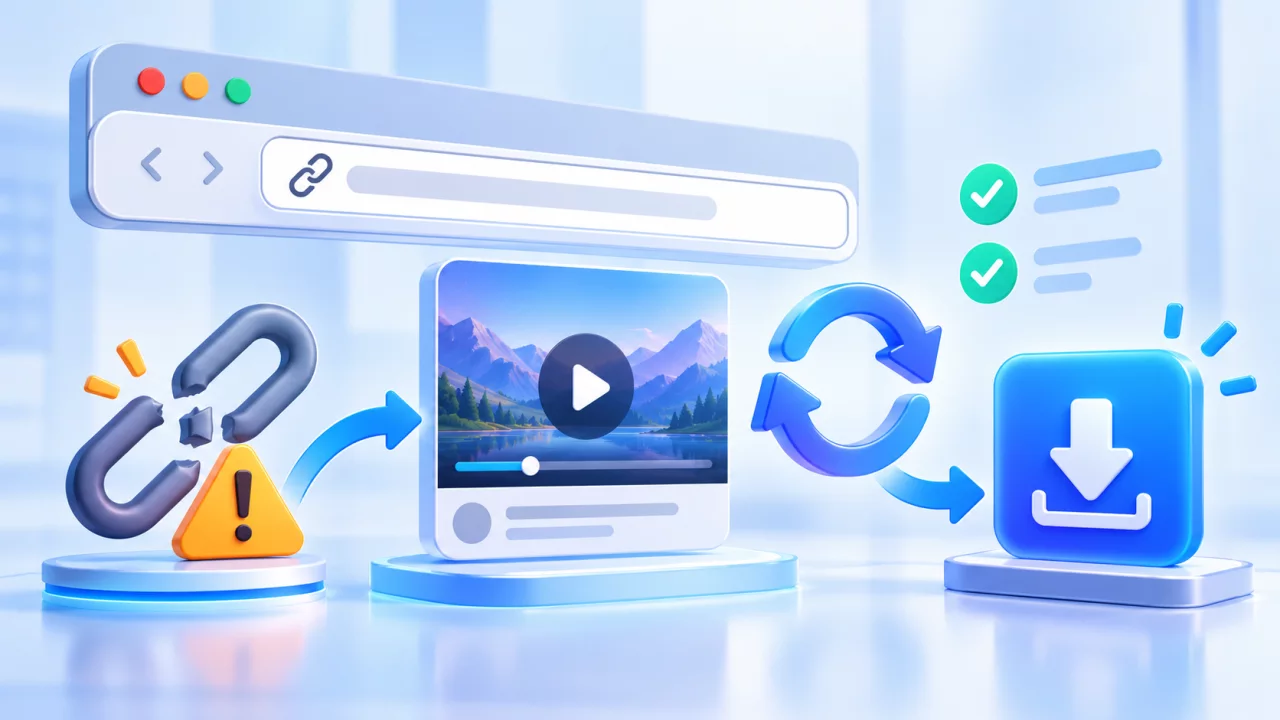
If a SaveFrom-style downloader is not working, the visible error is only the starting point. The cause may be the copied URL, the source video's privacy, an expired prepared file, a browser restriction or a temporary provider failure. Work through the checks below instead of repeatedly submitting the same link.
Fast troubleshooting checklist
- Open the original media link in a private browser window.
- Confirm it points to one specific public media item.
- Copy the final URL from the address bar after redirects finish.
- Analyze the link again to create a fresh result.
- Try another listed quality if only one format fails.
- Allow the download when your browser displays a permission prompt.
“Could not fetch” or “provider could not process this link”
This message means the external media provider did not return usable resources for the submitted URL. It does not always mean the entire website is offline. One video can fail while another link from the same platform works because privacy, media delivery, geographic rules and format availability differ per item.
Check that the URL is not a channel, profile, feed, hashtag, audio page or search result. For YouTube, use a watch, Shorts or youtu.be link. For Instagram and TikTok, open the individual post before choosing Copy link. Then paste the clean URL into the downloader again.
Why a download stays on Preparing
Some high-resolution sources keep video and audio in separate streams. The provider may need to prepare a combined file before it can be downloaded. Long videos, large resolutions and busy provider servers can increase processing time.
- Wait for the current request instead of opening many identical tabs.
- Try a direct lower-resolution option such as 360p or 720p.
- Analyze the original link again if the preparation token expired.
- Do not assume that an unavailable 1080p option means every quality will fail.
What a 403 Forbidden download error means
A 403 response commonly appears when a temporary media URL has expired, its signature no longer matches, the host rejects the request context, or the source has changed access rules. Prepared download addresses are not permanent bookmarks. Return to the original public post, analyze it again and use the newly generated button promptly.
If only one quality returns 403, choose another result. If every result immediately fails, the provider may be temporarily blocked or the source may no longer be public. Do not attempt to bypass account, region, age or payment restrictions.
Private, deleted and restricted media
| Source condition | What you may see | Correct response |
|---|---|---|
| Private or friends-only | No formats or a provider error | Use an authorized public source; do not bypass privacy |
| Deleted or expired Story | Broken page or no media | Ask the owner for the original file |
| Age or region restriction | Login, consent or location message | Follow the platform's access rules |
| Live stream | Preparing forever or unsupported result | Wait for an authorized replay or archive |
Browser and device checks
On Chrome, Edge, Firefox or Safari, verify that downloads are allowed for Save-Froms.net. A content blocker can occasionally hide the real button or stop the file request. Temporarily disable it only for the page you trust, then restore it after testing. Make sure the device has more free space than the estimated file size because browsers can create a temporary partial file.
On iPhone, check Safari's download indicator and the Files app. On Android, check the browser's Downloads screen and storage permission. On desktop, confirm the selected destination folder is writable.
Short links and tracking parameters
Short links are useful for sharing, but they may pass through several redirects. Open the short link once, wait for the final media page and copy the address shown there. Unnecessary tracking parameters usually do not identify the media, so a clean canonical URL is easier to test.
When to stop retrying
If the source is private, removed, restricted or no longer exposes a usable media resource, repeated requests will not make it public. Try again later only for a temporary service problem. For your own content, the most reliable option is the original upload or the platform's official creator download. For more detail, use the full troubleshooting page or review the FAQ.