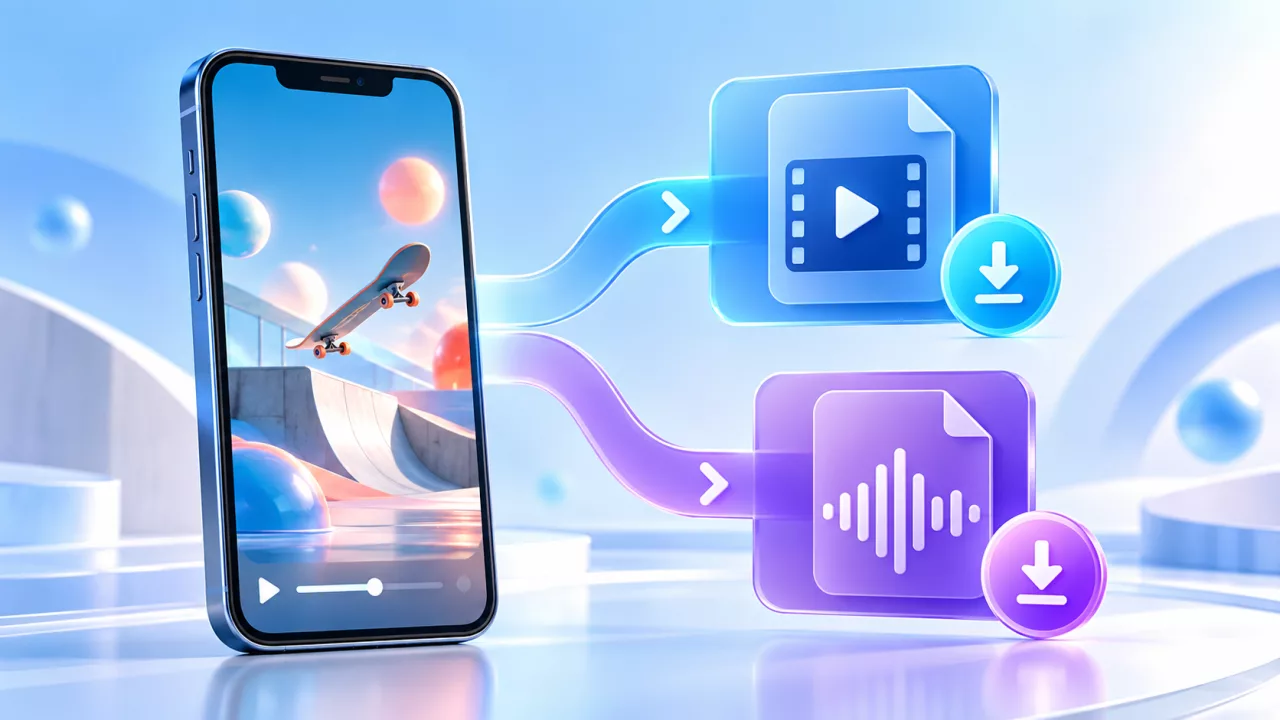
MP4 and MP3 solve different problems. MP4 keeps the picture and sound of a TikTok video together. MP3 is audio-only. The better choice depends on what you are authorized to save, how you plan to use it, and which formats the public source returns.
MP4 vs MP3 at a glance
| Format | Contains | Best for | Main trade-off |
|---|---|---|---|
| MP4 | Video and audio | Offline viewing, your own edits, visual references | Usually a larger file |
| MP3 | Audio only | Authorized voice notes, lectures, interviews or music | No picture is included |
A downloader can only show options available for the specific source. An MP3 choice is not guaranteed for every link, and the source determines the available video qualities.
When TikTok MP4 is the right choice
Choose MP4 when the visuals matter: a dance, tutorial, recipe, demonstration, captioned clip or your own creative draft. MP4 is broadly supported by Android, iPhone, Windows, macOS, smart TVs and common editing apps. Use the TikTok MP4 downloader to check the video choices returned for a public link.
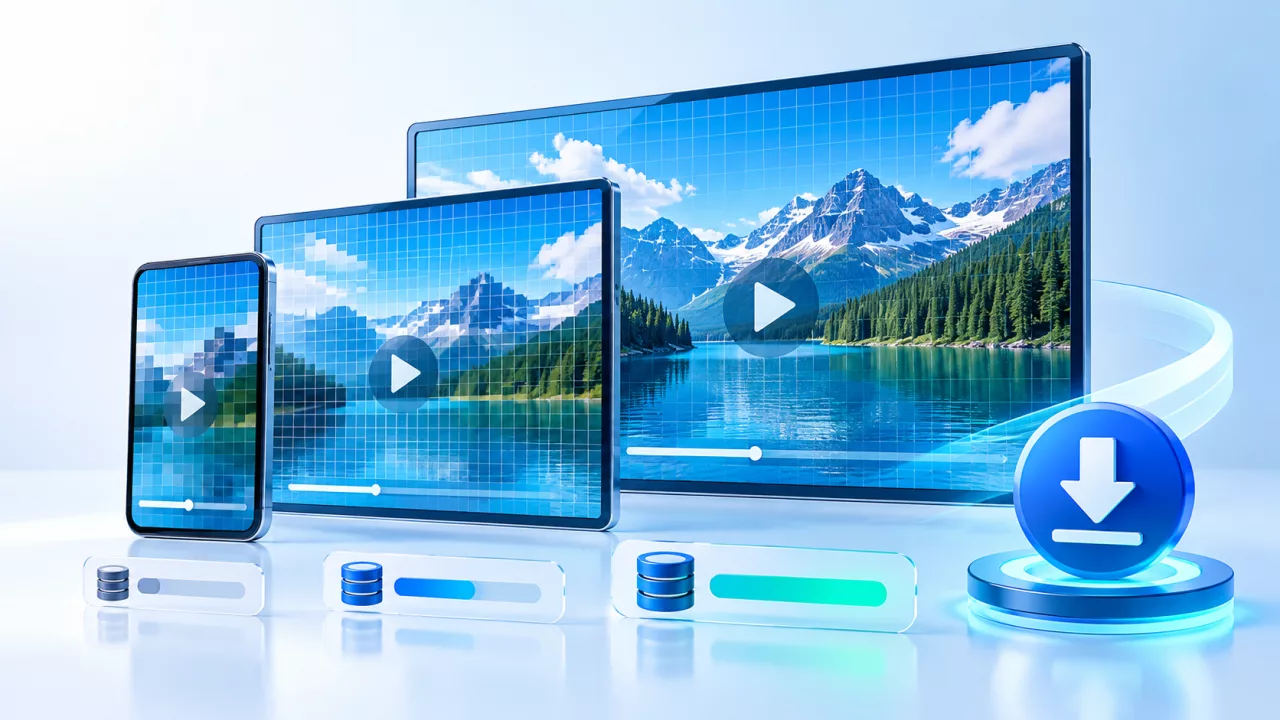
If more than one quality is listed, consider the destination. A compact option can be suitable for messaging and quick mobile reference. A higher resolution can help when reviewing details or editing your own content, but it normally uses more storage.
When TikTok MP3 is more practical
Choose MP3 only when you need sound without the picture and have permission to save the audio. Examples include your own spoken notes, an authorized interview, a lecture supplied for offline study, or music that you own. The TikTok MP3 downloader displays audio choices when the provider returns them.
Removing the picture makes the file smaller in many cases, but it does not remove copyright from music, speech or a performance. Audio can have separate ownership and licensing rules from the video.
What do bitrate and resolution mean?
Video quality is commonly described by resolution, such as 480p, 720p or 1080p. Audio quality may be described with a bitrate such as 128 kbps or 256 kbps. Higher numbers can preserve more detail, but they also tend to increase file size. The source encoding remains important: converting a low-quality source to a larger number does not recreate detail that was never there.
For speech, a moderate audio bitrate is often enough. For music you own, a higher available bitrate may preserve more detail, although the original TikTok audio has already been processed for streaming.
How to check a public TikTok link
- Open the individual TikTok post and tap Share.
- Choose Copy link. A short sharing URL is acceptable if it resolves to one public post.
- Paste the link into the TikTok downloader.
- Compare MP4 video and MP3 audio sections, then choose the format that fits your permitted use.
If a short URL opens an app-install or consent page instead of the post, open it in a browser and copy the final video URL shown in the address bar.
Why some formats are missing
- The post is private, friends-only, deleted or unavailable in your region.
- The URL is for a profile, hashtag, sound page or feed instead of one post.
- The provider returned video but no separate audio resource.
- The original upload does not expose every resolution.
- A prepared download expired and the link must be analyzed again.
Does MP4 or MP3 remove a watermark?
Format and watermark are separate issues. MP4 simply describes a media container, while MP3 describes an audio format. Do not assume that choosing MP4 changes or removes creator attribution. The file returned depends on the source available to the provider. Save-Froms does not promise watermark removal.
Best format by task
- Watch the complete post offline: choose MP4.
- Keep an authorized voice or lecture: choose MP3 when available.
- Edit your own TikTok: choose the highest useful MP4 returned and keep your original upload too.
- Save storage: compare the actual listed sizes; do not decide from the format name alone.
Responsible downloading
Use the downloader for your own videos, approved client assets or public content whose owner has allowed the download. Do not bypass privacy, redistribute copyrighted music, impersonate a creator or reuse personal footage without consent. When in doubt, ask the owner and keep their permission with your project records.