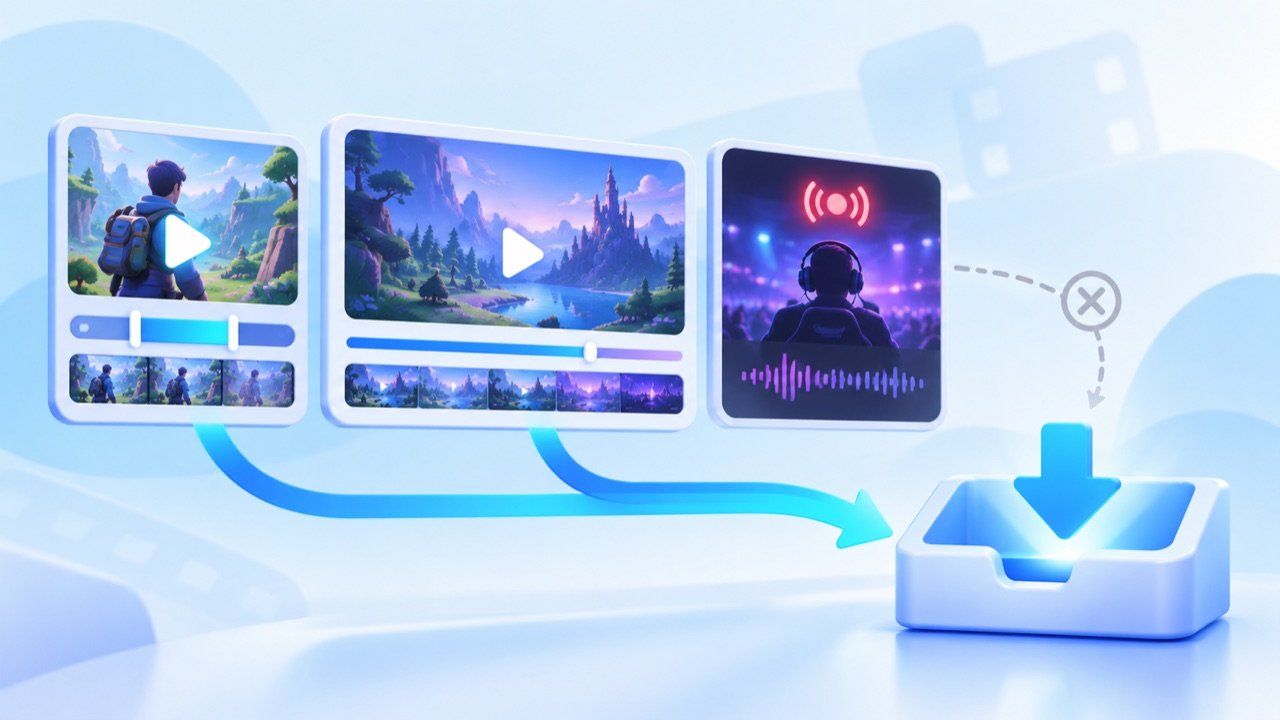
Twitch has three distinct viewing experiences: short Clips, saved broadcasts or VODs, and channels that are currently live. Each uses a different URL and does not have the same availability.
Clips are the clearest individual links
A Twitch Clip has its own page and is usually easier to identify than a moment inside a long broadcast. Open the Clip, copy its share URL and paste it into the Twitch downloader.
VODs can expire
Past broadcasts may be removed by the streamer or expire under the platform's retention rules. A VOD link that worked previously can therefore become unavailable. Highlights may remain longer, but they still depend on the creator's settings.
Live channel pages are not finished files
A channel URL points to a live or offline profile rather than a completed media item. Wait for an authorized Clip or saved broadcast link when you need a specific segment. Save-Froms does not record an ongoing stream or bypass subscriber restrictions.
Troubleshooting a Twitch link
Confirm that the Clip or VOD opens publicly without signing in, and copy the individual page—not the channel homepage. When several qualities are returned, choose according to screen size, storage and connection speed. Streamers own their creative work, so request permission before saving or reusing it.