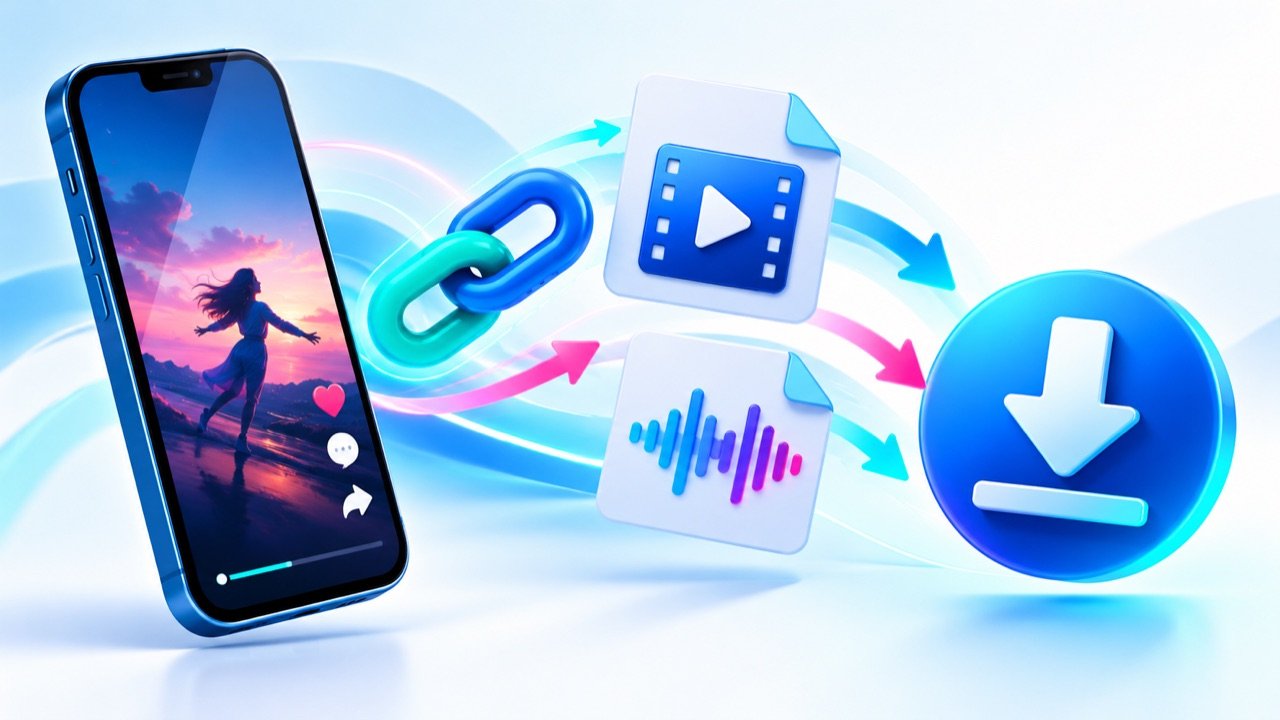
SnapTik is one of the most searched TikTok downloaders, which is exactly why there are so many copies of it. The name sits on dozens of look-alike domains, and the common complaints are the same across them: pop-up ads, several fake "Download" buttons, browser notification prompts, and extensions that ask for broad permissions to "read and change data on websites you visit". None of that is needed to save a public TikTok. This guide shows how to tell a risky copy from a safe tool, and a cleaner way to get a TikTok as MP4 without a watermark — or just its sound as MP3.
Is SnapTik safe? What to check
Rather than trust a brand name, judge the page in front of you. These signs mean step away:
| Warning sign | Why it matters |
|---|---|
| New tabs open when you click | Ad scripts hijacking your clicks |
| Several different "Download" buttons | Fake buttons lead to ads or installers |
| Asks to install an extension or app | Broad permissions you do not need |
| Pushes a "Allow notifications" prompt | Spam notifications after you leave |
| Wants a login or sign-up | A public video never needs your account |
A genuine public-link saver does one thing: reads the link you paste and offers the file. No installer, no account, no maze of buttons.
A cleaner way to save a TikTok
- In TikTok, tap Share then Copy link on the video.
- Open the TikTok downloader and paste the link. The options appear in a few seconds.
- Pick MP4 for the video without a watermark, or MP3 if you only want the sound.
- Open the file from your Downloads folder — nothing installed, no account made.
Because it runs in the browser, there is no app to install and nothing that can touch the rest of your device. The download is a single media file.
Without a watermark, and why
Saving the original file TikTok serves is what gives you a clean, watermark-free MP4. Tools that re-encode a video are the ones that stamp their own logo on it and soften the picture. For the full detail on what a public TikTok link really returns, see the download TikTok without watermark guide, and if you only want audio, the TikTok audio downloader guide covers the sound options.
Video or sound: pick the right one
If you want the clip, take the MP4; if you only want the music or voice, take the MP3 and skip the video. The TikTok MP4 vs MP3 guide explains which to choose, and the TikTok to MP4 guide covers quality and file size.
SnapTik questions people ask
Is SnapTik safe?
The real SnapTik may work, but the problem is the many copies that carry the name, which are known for ads, fake buttons and permission-hungry extensions. Judge the page, not the brand, and prefer a tool that needs no install or login.
Why is SnapTik not working?
Often the specific copy is down, overloaded, or buried in ad redirects. Because the name is spread across many domains, reliability varies from one link to the next.
Can I download a TikTok without a watermark?
Yes — saving the original file TikTok serves gives you a clean MP4. A watermark usually appears only when a tool re-encodes the video.
Do I need the SnapTik app or extension?
No. A browser tab is enough to save a public TikTok. A page that insists you install something first is a red flag.
Guide published: November 2, 2026.