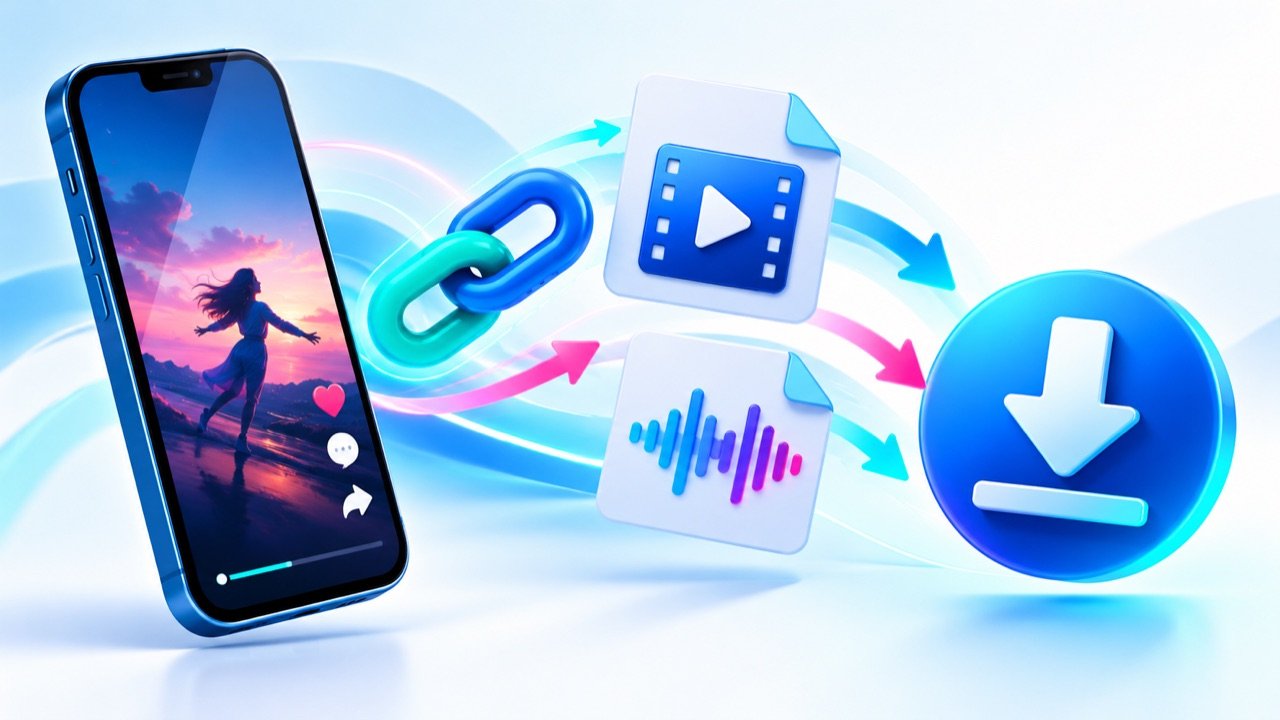
A TikTok audio downloader starts with one public TikTok video URL. The tool checks the media resources returned for that specific post and can show an audio option when the source provides one. It does not turn every TikTok sound page, profile or video into an audio file automatically.
Copy the link to one public TikTok video
- Open the individual TikTok post, not a profile, a search result or a sound page.
- Choose Share, then Copy link.
- Open the link in a private browser window to make sure the post is public.
- Paste it into the TikTok MP3 downloader.
- Review the audio rows that actually appear before selecting a download.
A short vm.tiktok.com link can be useful if it resolves to the one video. If it only opens the app, let it load in a browser first, then copy the final video address. A creator profile, a hashtag page or a trending-sound collection does not identify one source file.
Audio is available only when the source returns it
Every public TikTok link can return a different result. One may show an audio-only option, while another may return video formats only. That difference comes from the source delivery, not from a quality setting you missed. An audio option also has its own bitrate and estimated size; compare these before saving.
| Use case | What to choose | Remember |
|---|---|---|
| Your own spoken clip | A listed audio option that plays clearly | Keep the original video and project source too. |
| Authorised lecture or interview | Audio-only if the picture is unnecessary | Confirm the speaker or publisher permits offline copies. |
| Music you own or license | The best listed audio quality for your device | Audio rights can be separate from video rights. |
| Offline viewing | MP4 instead of audio-only | Audio formats do not include the picture or captions. |
Audio quality, size and compatibility
Audio-only files are usually smaller than a video because they do not include the image track. But higher bitrate and a longer duration can still increase size. For spoken material, a moderate listed quality may be sufficient. For music you are permitted to save, listen to a short section first instead of assuming the largest file is always better.
If the visual part matters—such as captions, a tutorial or a demonstration—choose an MP4 result instead. Our TikTok MP4 vs MP3 guide compares the two formats in more detail.
Why a TikTok audio request may fail
- No audio option was returned: the public source may expose video only.
- The post is private or unavailable: a public-link tool cannot access restricted media.
- The copied URL is not one video: return to the individual post and copy its Share link.
- A download returns 403: temporary media URLs expire; paste the original TikTok link again for a fresh result.
- The file is not where you expected: check the browser download list and your phone's Files or Downloads folder.
See the TikTok link guide for short-link tips and download troubleshooting for browser checks.
Frequently asked questions
Can I download audio from any TikTok video?
No. An audio choice appears only when the public source returns one for that individual video.
Can a TikTok audio downloader access a private account?
No. Private, login-protected and restricted content is outside a public-link workflow.
Can I repost audio after downloading it?
Not unless you have the necessary rights. Public availability does not give permission to reuse music, speech or a creator's work.
Guide published: October 21, 2026.


