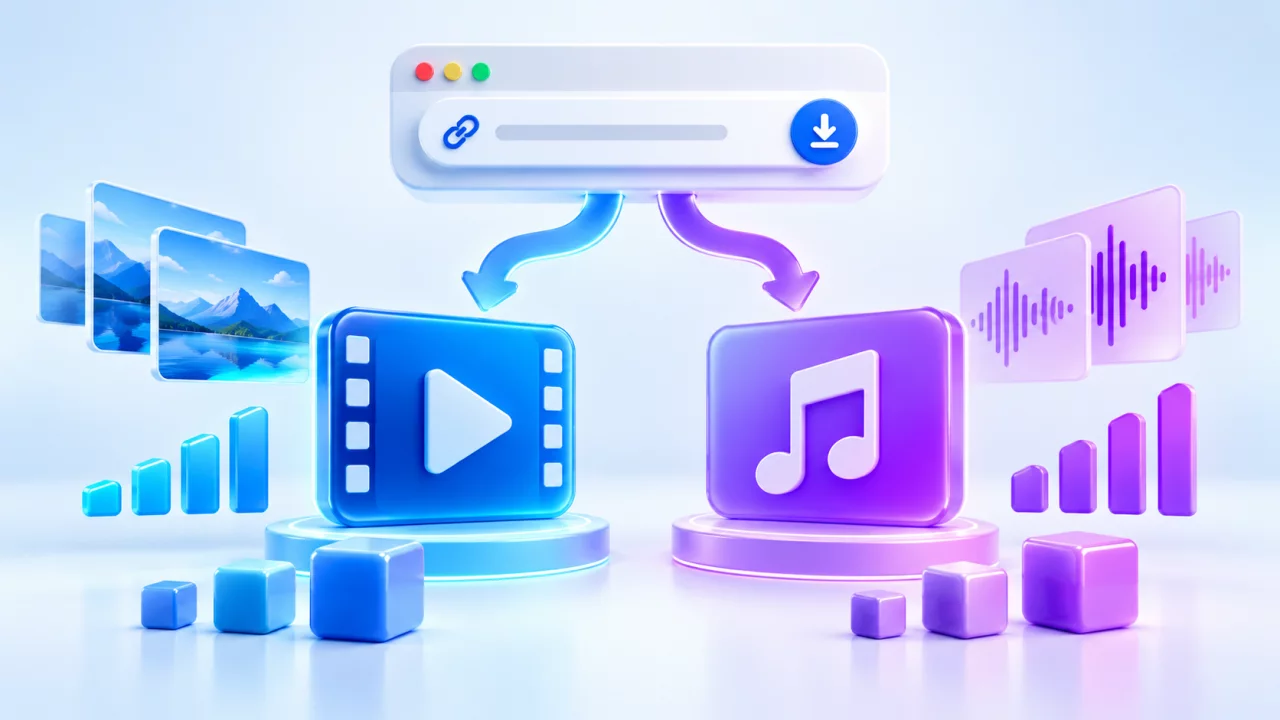
When a SaveFrom-style downloader displays both MP4 and MP3, the choice is not simply “video quality versus audio quality.” MP4 normally keeps picture and sound together, while MP3 contains audio only. Choose according to the content you are allowed to save, your device and the way you will use the file.
MP4 vs MP3 quick comparison
| Feature | MP4 | MP3 |
|---|---|---|
| Media | Video with audio | Audio only |
| Typical use | Offline viewing, visual tutorials, your own edits | Authorized speech, lectures, podcasts or music |
| Quality label | Often resolution such as 720p or 1080p | Often bitrate such as 128 or 256 kbps |
| File size | Usually larger | Usually smaller because no picture is stored |
| Compatibility | Widely supported on phones and computers | Widely supported by audio players |
Choose MP4 when the picture matters
MP4 is the practical option for a tutorial, demonstration, Reel, Short, interview with visual context or your own social-media draft. It is supported by modern phones, tablets, computers, TVs and common editing software. A result may offer several resolutions, but the source determines what is available.
Higher resolution can show more detail, but it normally needs more data and storage. For phone viewing, 720p is often enough. For an authorized editing workflow or a large display, 1080p may be worthwhile when the source returns it. Read the video resolution guide before automatically choosing the largest file.
Choose MP3 when you need authorized audio only
MP3 is useful when the picture adds no value: your own voice memo, an approved lecture, a podcast supplied for offline use or music that you own. Because the video frames are removed, an audio file is often much smaller. However, converting to audio does not remove copyright from a recording, performance or composition.
An MP3 option may not appear for every public link. Save-Froms shows audio choices only when the media provider returns them for that source.
Resolution and bitrate measure different things
Video resolution describes frame dimensions, commonly shown as 360p, 480p, 720p or 1080p. Audio bitrate describes the amount of audio data used per second, commonly shown in kilobits per second. A larger number can preserve more detail, but it cannot restore detail lost in the original upload or earlier compression.
- Choose a smaller MP4 when storage or mobile data is limited.
- Choose a higher MP4 resolution when the screen is larger and the source supports it.
- Use a moderate MP3 bitrate for speech when file size matters.
- Use a higher available audio bitrate for authorized music when quality matters more than size.
Why two files with the same label have different sizes
Duration, frame rate, codec, bitrate and visual complexity all affect file size. Two 720p videos can differ substantially when one is ten minutes long and the other is one minute, or when one contains fast motion and the other is mostly static. Likewise, two MP3 files at the same bitrate differ in size when their durations differ.
How to compare the returned formats
- Paste one complete public media URL into the Save-Froms downloader.
- Review the Video and Music sections shown for that source.
- Compare format, quality and estimated size together.
- Select one file that fits your permitted use and device.
Do not assume that “MP4” always means 1080p or that “MP3” always means high-quality audio. The format label describes the container or audio type; the quality label provides additional information.
What if video and audio are prepared separately?
Some platforms deliver high-resolution picture and sound as separate streams. A provider may need to prepare a combined MP4, so a high-quality button can take longer than a direct lower-resolution file. If preparation expires or fails, analyze the original public URL again or choose another available quality.
Device compatibility checklist
MP4 and MP3 work on most Android, iPhone, Windows and macOS devices. WEBM video can also be efficient, although support varies between players and editing applications. If you plan to edit your own media, confirm that the software accepts the returned codec—not only the filename extension.
Use both formats responsibly
Download only content you own, created or have permission to save. Audio can have separate rights from video, and a public link does not grant permission to republish. If a post is private, paid, region-restricted or protected by an account requirement, follow the platform's access controls instead of trying to bypass them.